
Ever wondered why some Google Ads look like they’re reading your mind while others feel like random spam you’d never click?
Spoiler alert — the difference is strategy, not luck.
Running Google Ads isn’t rocket science, but it is a recipe. Skip ingredients, rush the process, or add too much spice (budget), and the whole dish can flop. At GenNex Marketers, we believe Google Ads should work smart, not scary.
So tie your digital apron and let’s cook up a Google Ads campaign that converts.
Step 1: Create Your Google Ads Account (The Right Way)
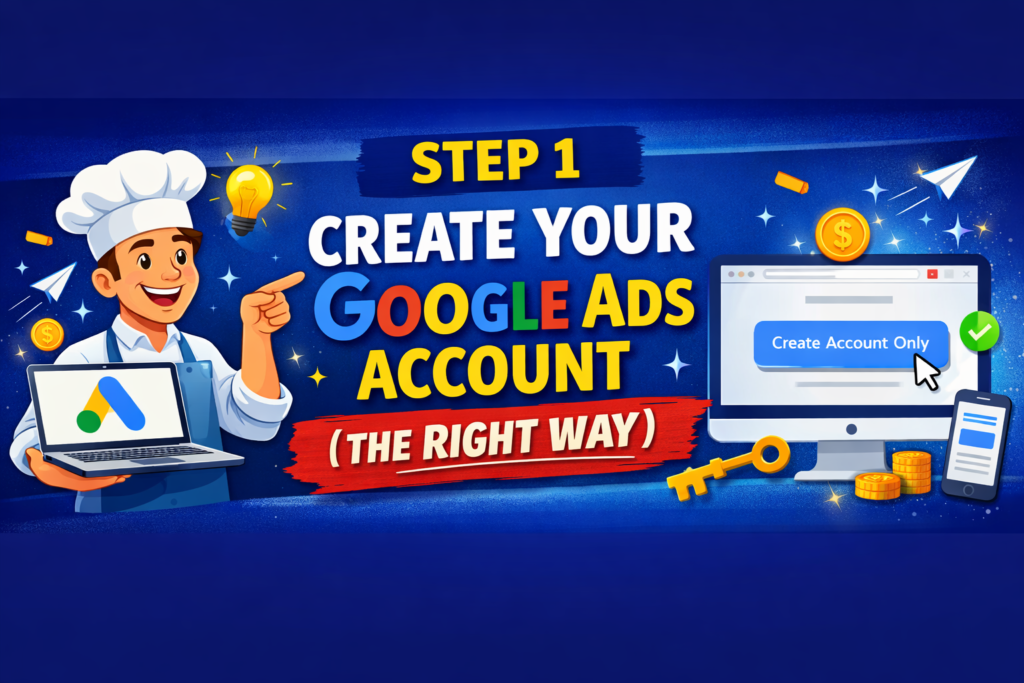
When you visit ads.google.com, Google tries to push you into a Smart Campaign. Sounds nice… but “smart” doesn’t always mean “profitable.”
Choose “Create account only.”
This gives you full control over:
Keywords
Budget
Bidding
Targeting
Control = better results. Always.
Step 2: Choose the Right Campaign Type
Think of campaign types like workout styles 🏋️♂️ — cardio, strength, yoga. Each serves a different purpose.
Popular Google Ads Campaign Types:
Search Ads – Best for high-intent buyers
Display Ads – Great for brand awareness
Video Ads (YouTube) – Perfect for storytelling
Shopping Ads – E-commerce goldmine
App Ads – Promote mobile apps
Performance Max – Automation on steroids
Pro tip: Start with Search Ads if you want traffic that’s ready to convert.
Step 3: Set Up Campaign Basics
Now we prep the kitchen.
Key settings to focus on:
Campaign Name: Keep it simple and organized
Networks: Stick to Google Search initially (avoid partner networks if you want clean data)
Clean setup = easier optimization later.
Step 4: Schedule Your Ads Wisely
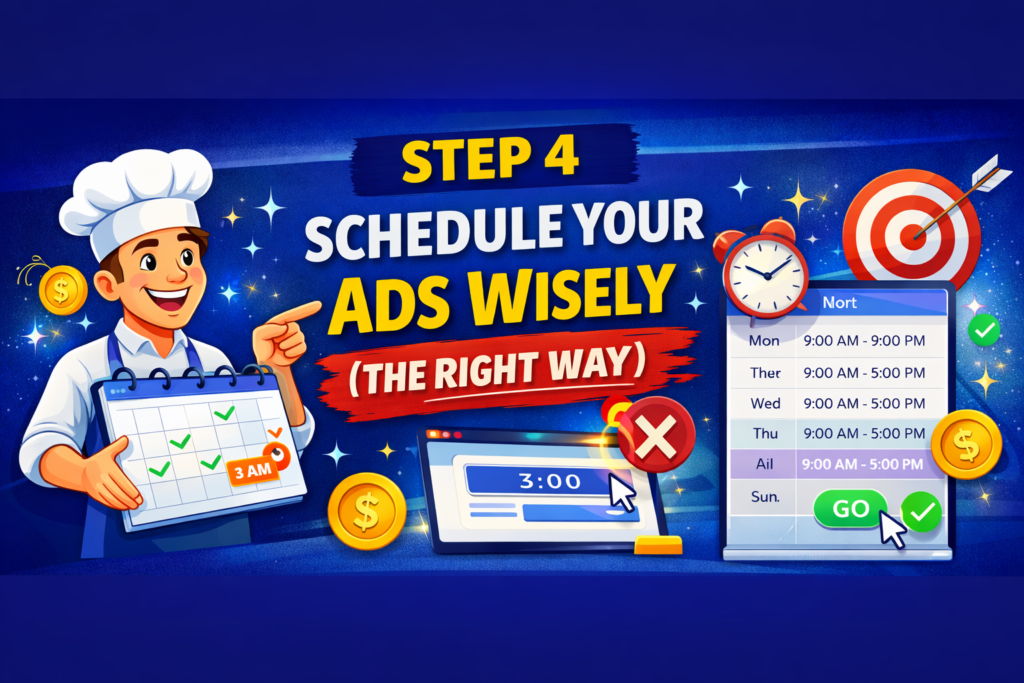
Your ads don’t need to work night shifts unless your customers do.
Set:
Start and end dates
Ad schedule (days & hours)
Why pay for clicks at 3 AM if nobody converts then?
Step 5: Choose Location & Language
Don’t advertise sunglasses to people in Antarctica ❄️.
Target:
Specific locations (city, state, country)
Correct language
Select “Presence” instead of “Interest” for accurate targeting
This ensures your ads reach real potential customers.
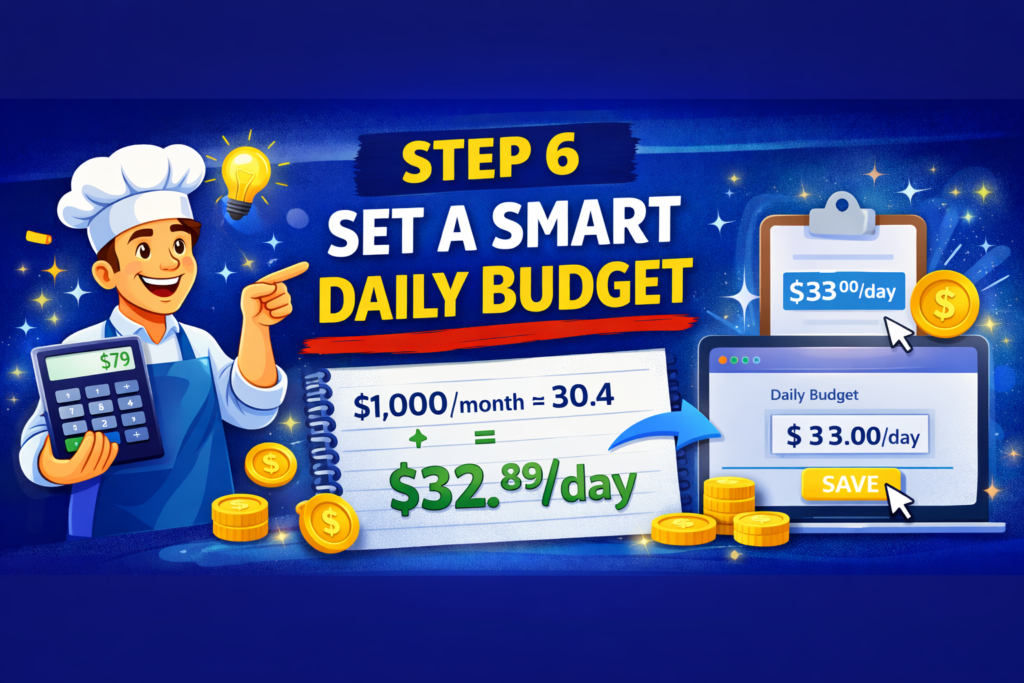
Step 6: Set a Smart Daily Budget
Google Ads budgeting is like seasoning food 🧂
Too little = bland results
Too much = budget burnout
Simple formula:
Monthly budget ÷ 30.4 = Daily budget
Google may spend more on some days, less on others — that’s normal.
Step 7: Pick the Right Bidding Strategy
You have two choices:
Manual Bidding
Full control over cost per click
Best for experienced advertisers
Automated Bidding
Google adjusts bids for you
Ideal for beginners or new campaigns
At GenNex Marketers, we often start automated and switch to manual once data kicks in.
Step 8: Keyword Research (The Heart of Google Ads)
No keywords = no ads. Period.
Use tools like:
Google Keyword Planner
Semrush
Ahrefs
Best practices:
Focus on commercial intent keywords
Use a mix of:
Broad match
Phrase match
Exact match
And don’t forget negative keywords
(You don’t want job seekers clicking your “buy now” ad.)
Step 9: Create Scroll-Stopping Ads
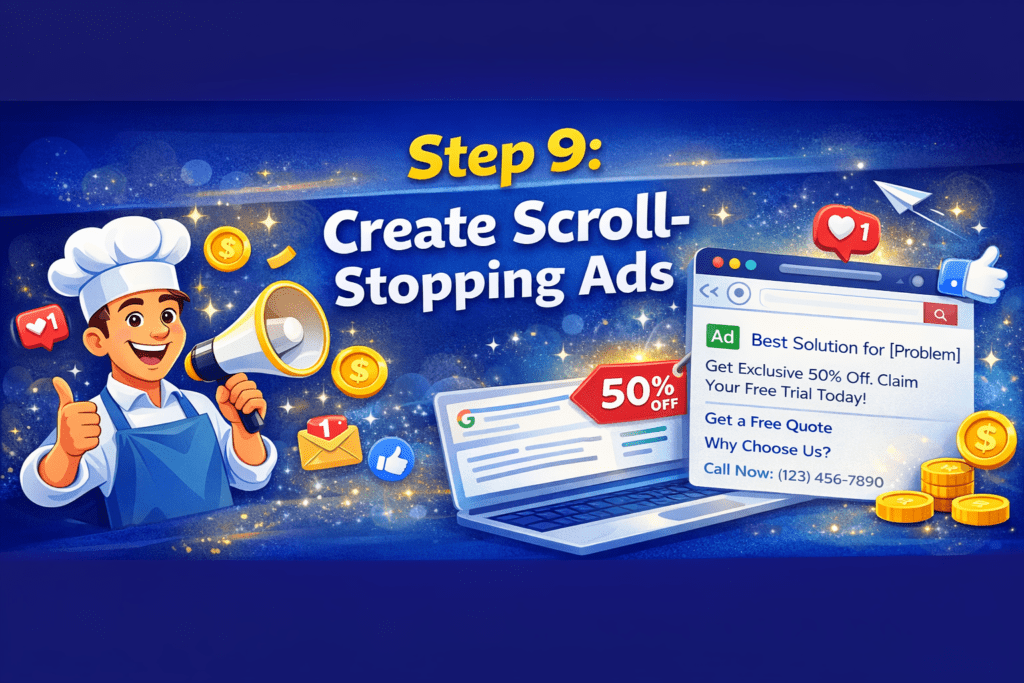
Your ad copy should:
Solve a problem
Highlight benefits
Include a clear CTA
Examples:
“Get a Free Quote Today”
“Book Your Demo Now”
“Limited Offer – Apply Now”
Boring ads don’t sell. Personality does.
Step 10: Use Ad Assets (Formerly Extensions)
Ad assets are like side dishes — not mandatory, but they make everything better.
Popular assets:
Sitelinks
Callouts
Structured snippets
Call extensions
They:
Increase ad visibility
Improve click-through rate
Boost Quality Score
Step 11: Device Targeting & Extra Tweaks
Check performance by:
Mobile
Desktop
Tablet
If mobile converts better, bid higher
If desktop underperforms, bid lower
Data decides — not guesses.
Step 12: Optimize Your Landing Page (Very Important!)
Great ad + bad landing page = wasted money 💸
Your landing page must:
Load fast
Be mobile-friendly
Match ad intent
Have a clear CTA
Remember: Ads get clicks. Landing pages get conversions.
Step 13: Launch, Track & Optimize
Once live:
Monitor performance
Don’t panic in the learning phase
Optimize every 2–4 weeks
Track:
Clicks
Conversions
Cost per lead
Quality Score
Patience + data = success.
Are Google Ads Worth It?
Short answer: Yes — when done right.
With billions of daily searches, Google Ads lets you reach customers exactly when they’re ready to buy. Whether you want leads, sales, or brand growth, Google Ads can deliver powerful ROI.
By- GenNex Marketers